
Thoughts on Polestar 2 Software Update 5.0.10

One nice thing about Polestar 2 is that it can get over-the-air (OTA) software updates. Although, unlike with some cars1, OTA updates for the Polestar 2 are infrequent.
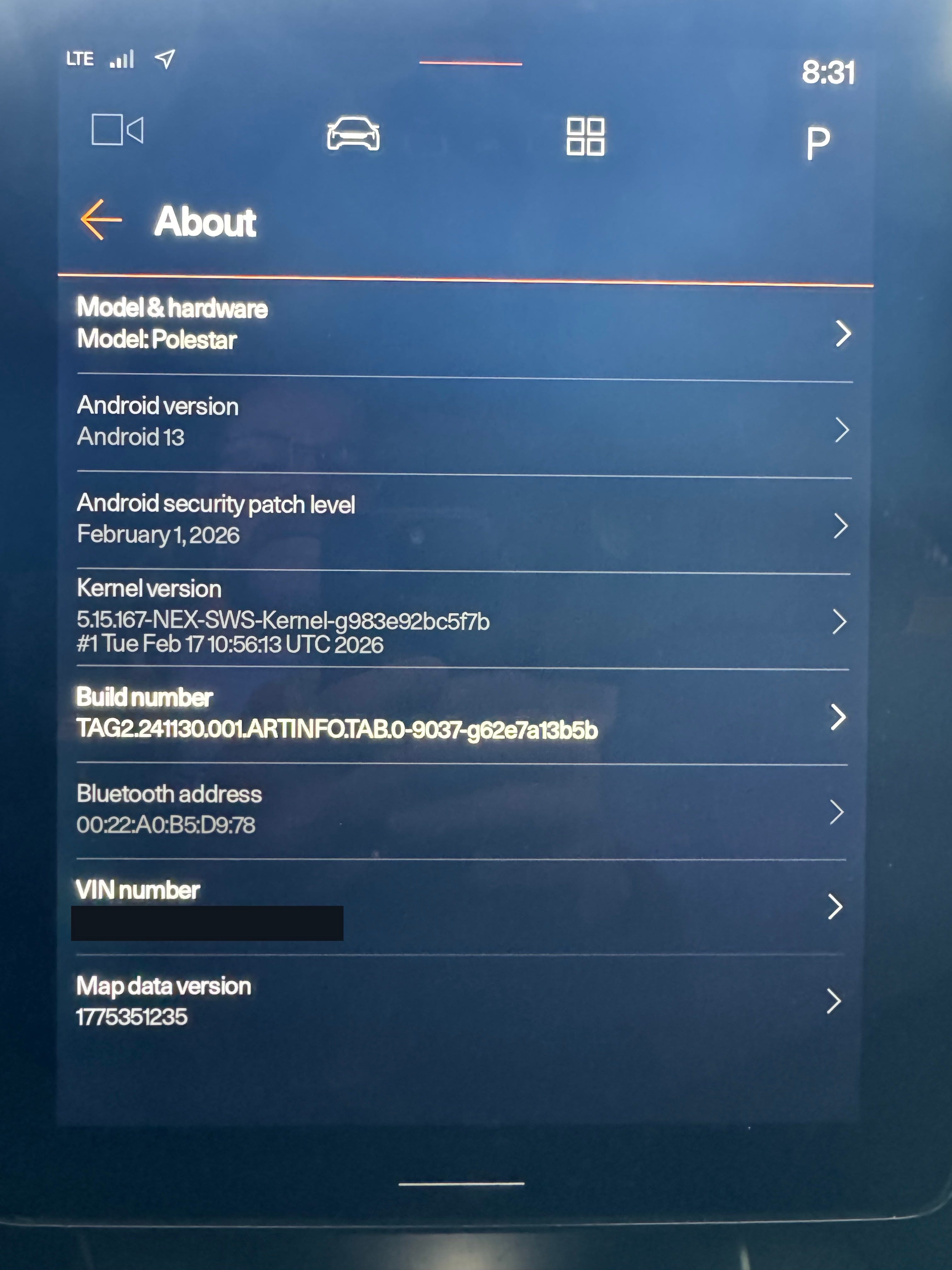
Even still, earlier this year Polestar announced an update that was a big version jump to 5.0.10 (from 3.6.4 that was released in June 2025). The major change for this version is that it upgrades the underlying Android Automotive OS from Android 12 to Android 13.
The release notes for this update first appeared on the Polestar web site in mid-March and it started rolling out in some parts of the world shortly after that. The US was not included in that initial rollout, but on April 20 reports started appearing on Reddit and Facebook that owners in the US were seeing the software update notification in their cars and in the Polestar app.
Upgrade Process
I received the software update notification late evening on April 21. I had actually gone out to the car to check if there was an update notification. When I got to the car there was no notification, so I was playing around in the infotainment and noticed that the YouTube app was not working. I restarted the infotainment, YouTube worked and then a few moments later, I got the cloud icon in the top bar and the update notification.
I told it to do the update now, got out and locked the doors. The update took about 40 minutes. I liked that the app kept me informed of its progress.
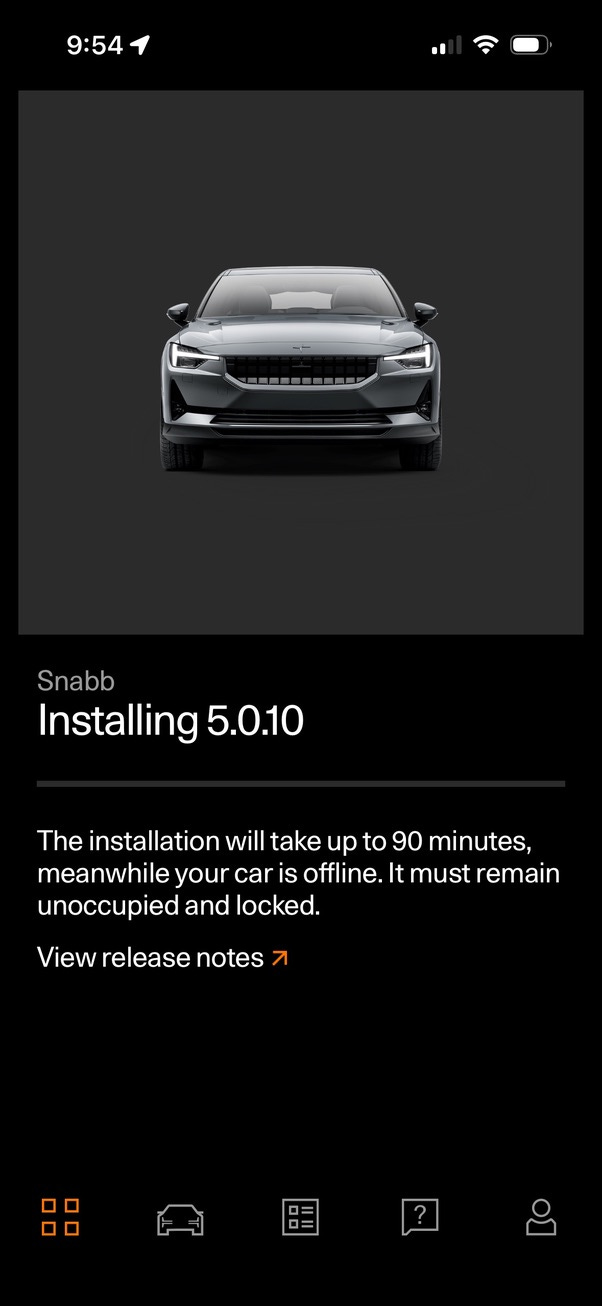
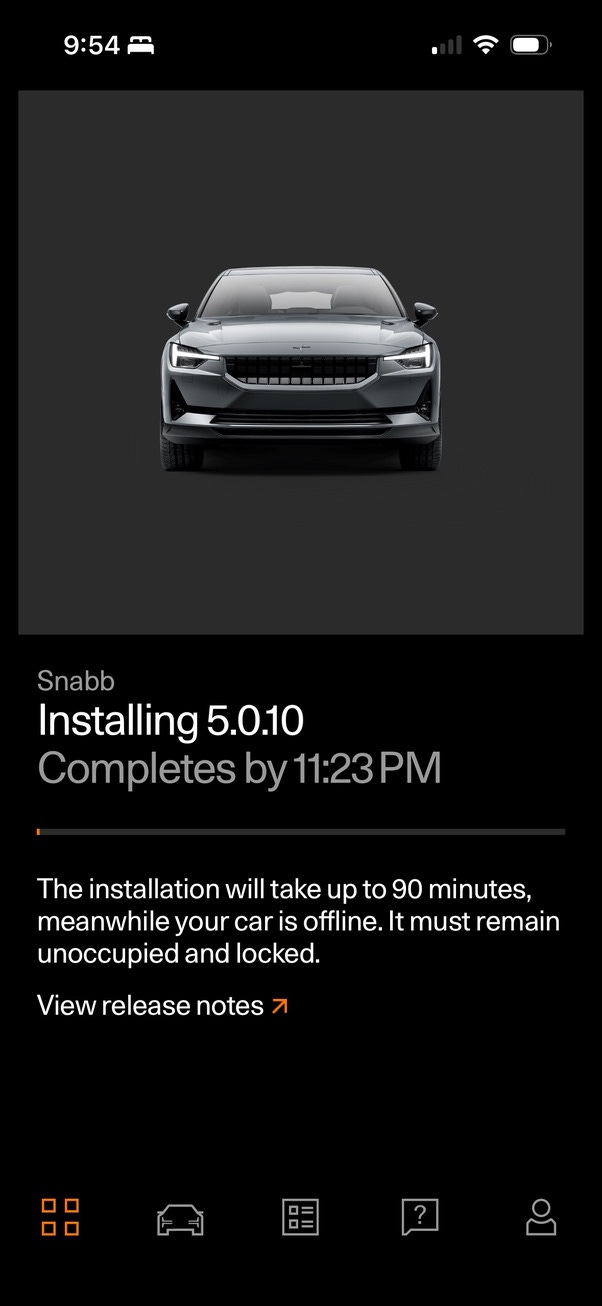
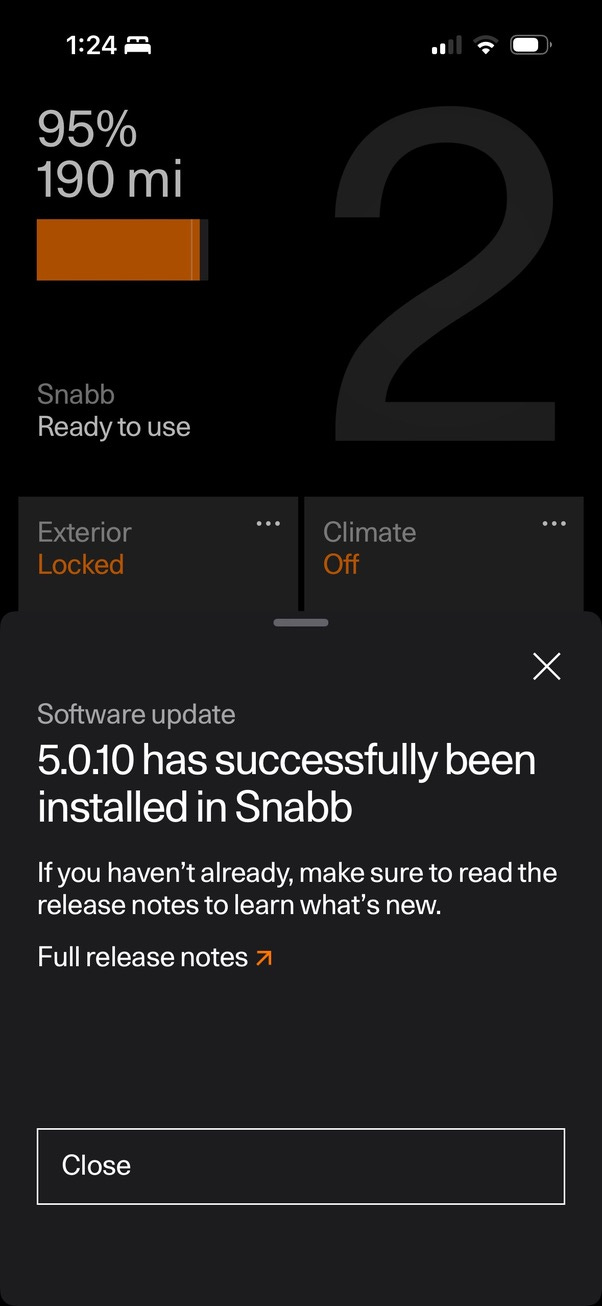
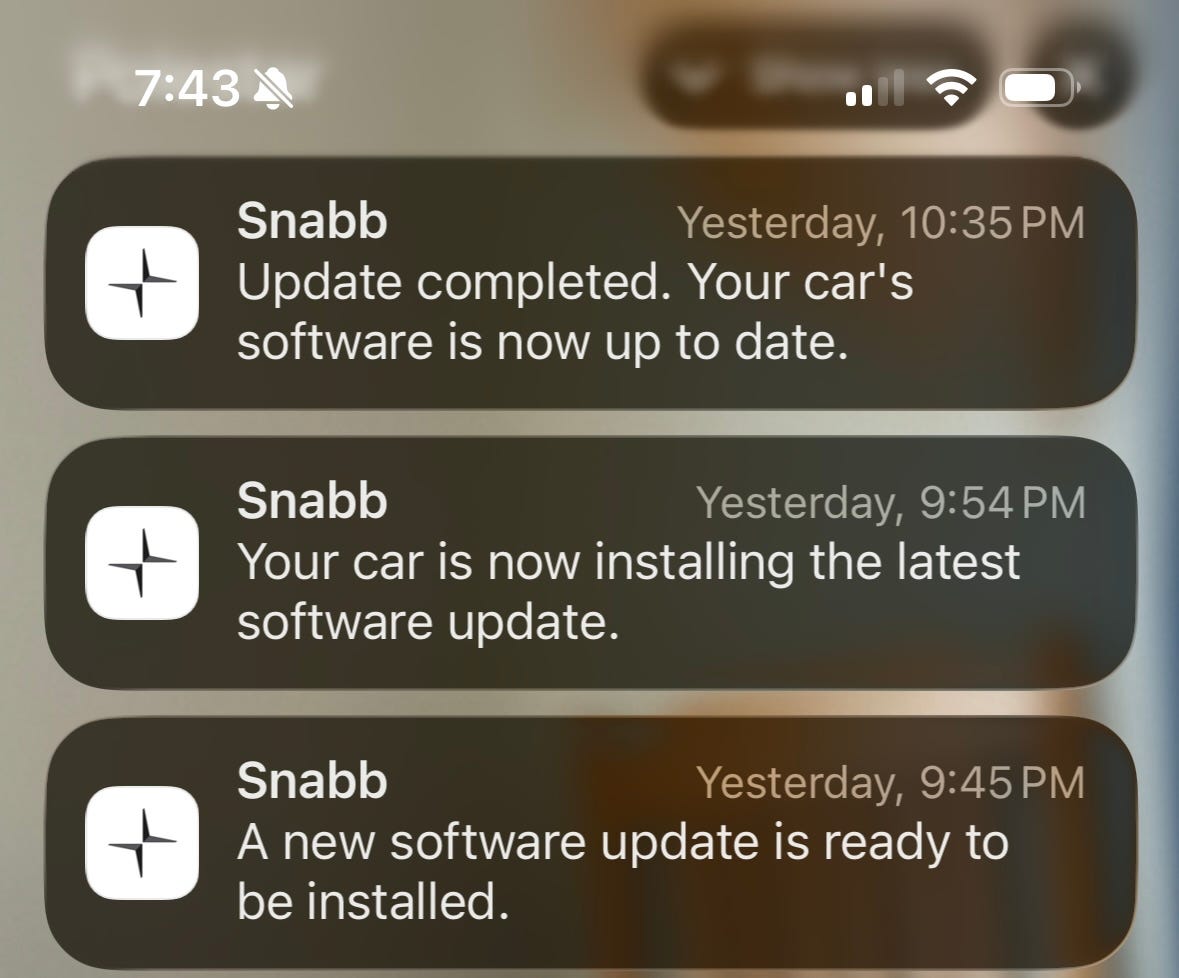
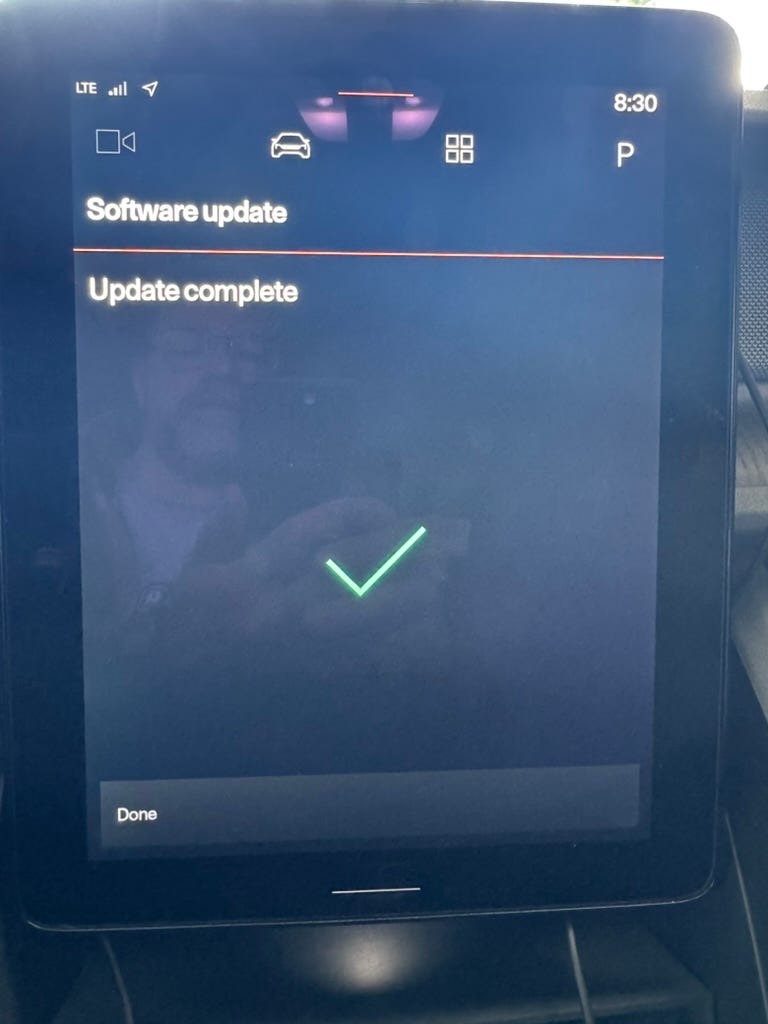
When I checked on things the next morning, everything seemed fine. The app was working properly, all my apps and icons were in the same positions and my other settings remained the same. To be honest, if it weren’t for the update complete screen, I might not have noticed an update had been applied.
I did go to settings to verify that Android itself had been updated.
Changes
The release notes are a little weird to read because they differ a bit depending on the year of your Polestar 2.
I have a 2021 model, so the changes that applied to it were:
The operating system, Android Automotive OS, is upgraded to Android 13. This includes overall infotainment improvements and performance
Bug fixes for the rear-view camera
Bug fix for Range Assistant, including historical data now showing correct consumption figures in 20 km and 40 km views
When French is selected as system language, the Range Assistant also includes a bug fix for when the app closes automatically
Note: All historical consumption data will be cleared once this software has been installed
The rear-view camera is the 3rd (and hopefully final) fix for the NHTSA rear-camera recall. I had gotten a notice about another recall for this in November 2025 and this 5.0.10 is apparently the latest attempt at a software fix for it. The issue is related to the rear camera view not always appearing when the car is put in reverse, usually when first getting in the car after it has been sitting for a while. Since the infotainment can take a moment to boot if you haven’t been in the car recently, the camera would time out and display an error. Switching out and back usually cleared things up.
I personally had this camera issues once in the year or so I’ve had the car. The thinking is that Android 13 will improve this due to more granular priority settings (and general speed improvements) that will allow the camera to always be displayed. We will have to wait for reports from others to see if it addresses the issue. Initial reports seem cautiously optimistic.
The Range Assistant app displays some driving stats and its charts and data have always seemed a bit wonky to me. Here’s hoping the output in this new version is more accurate. I did confirm that my historical consumption data had been cleared.
Not noted in the release notes, but probably added in a separate iOS app update is that the location panel on the app’s front screen now shows a button to flash the lights.
Otherwise, I have not really noticed any significant changes. Considering the big version change, I would have like to seen some new features, but more about that later.
I never felt the infotainment was all that slow, and I’ve not really noticed a big change in its performance in this new version.
Since I previously had 3.6.4, there was one other update (that was not OTA) also listed on the Polestar release notes page: 4.2.13. It showed two fixes, but I had not had these issues so they may not have applied to my car:
Bug fix for when DC-charging sometimes delivered limited max effect
Bug fix for when the trunk courtesy light intermittently did not turn on
Problems
As with any update, problems get reported. Most of the problems that I’ve seen reported seemed to be rare and not reproducible, however there are a couple that are worth mentioning.
The SiriusXM app no longer shows the currently playing song or the previous, play and next buttons in its home screen panel2.
I’ve not observed this, but people have reported having reduced acceleration. According to others, this occurs when you are not wearing your seat belt. I’m not sure why you’d try to floor it when not buckled in, but a surprising number of owners have reported this on both Reddit and Facebook. Wear your seatbelt, people!
If you are having other glitches, the usual recommendations to reboot things are a good place to start.
Some of the random problems I’ve seen reported include:
12-volt battery being reported as low or even dead after the update.
Infotainment stuck in a boot loop. After waiting a while this seems to have resolve itself for some.
Changes to 1-pedal drive behavior. For some people, switching the setting to something else and then back to what it was seems to solve this.
I hope none of these strange things happen to you!
Thoughts
I’m glad to have finally received the update and that I had no significant issues with it.
I know it is too much to expect, but I’d really like to see Polestar take advantage of the update to Android 13 to perhaps start actually enhancing the infotainment with some new features. For the most part, recent updates have only been to fix bugs. I’m all for bug fixes, but they could also try throwing us a bone once in a while.
Now I’m not saying Polestar 2 needs to have a Tesla-level of weird features and settings, but a few things would be nice. Here’s my short wish list:
Provide a way to display efficiency as mi/kWh.
Optionally display the currently playing song in the driver console area. Even my lowly Ioniq could do that!
Pet mode or utility mode. I really want an easier way to keep the car on for longer once I leave the driver seat. Having to press the Play button to get an extra 30 minutes is weird, awkward and finicky. I’d rather just go to something in the menu to turn on a utility mode that keeps everything running for a selectable period of time.
Use the outside speakers to play audio when parked.
I don’t know if Android Auto supports this, or if it is just a Polestar design decision, but it would be really nice to have a split-screen view to show two apps at once on the infotainment. For example, 1/2 screen CarPlay and 1/2 screen Range Assistant would be cool.
I’d like to see some better driving stats in the car. Perhaps Range Assistant could gather more detailed information, with the ability to export it. Right now you can export some data from Journey Log, but that app does not display it well either. Perhaps even show these improved stats in the phone app.
All of these things are clearly possible and probably not too difficult. I would be great if Polestar was able to take a little time to improve things like this.
How did the 5.0.10 update go for you? What features would you like to see?
Tesla is really leading the pack with its regular OTA updates.
An owner recommended uninstalling and reinstalling the app, but that is not possible. This app is built-in to the infotainment and is not in the Play store.
Much the same as yourself. No real changes. I'm glad nothing got worse. I would love a pet mode and for the console display to show the current song.
My early impressions on first extensive driving day post-update: 1. The rear view camera issue seems to be more frequent now than it was with version 3.6.4. 2. The UI is taking considerably longer to connect with my Ottocast wireless dongle for Android. I'm trying an infotainment reset and hoping for an improvement. Coincidentally going in for my 1st (since I acquired the vehicle a year ago at 10K miles) maintenance next week, so will ask about any ongoing issues.