
Using an OBD-II Reader to get Battery State of Health on your Polestar 2

A common thing I hear from people is concern about the health of their main EV battery. For the most part, this is not something to really worry about as modern EV batteries are estimated to remain usable beyond the life of the vehicle itself.
In fact, most data suggest battery degradation is about 1-2% per year for the first few years and then starts to level off after that.
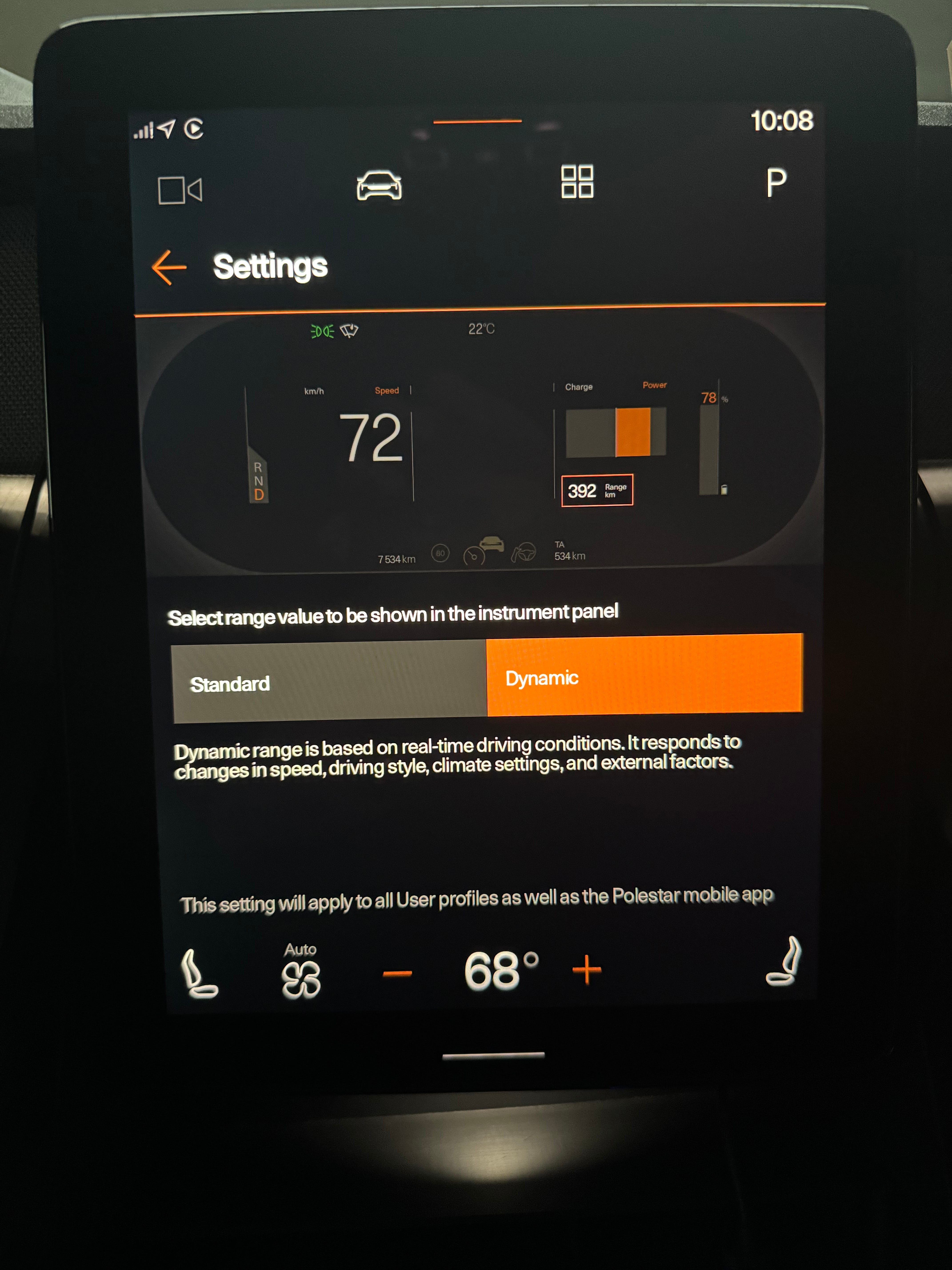
So how can you actually tell the battery state of health (SoH) for your car? You certainly cannot tell by looking at the estimated range. After all, it is just an estimate and depending on the setting you have, either just shows a range based on the battery percentage (Standard) or based on driving habits and outside temperatures (Dynamic). In the Polestar 2 you can change between these two settings using the Range Assistant app. I prefer Dynamic.
To get the actual SoH, you need to ask the car. Unfortunately, the Polestar 2 does not provide this information anywhere in its infotainment. You’ll need to take it to a Polestar dealer to have them generate a report for you with the Battery State of Health. The report does have these disclaimers:
Definition of State of Health:
The battery state of health is the available cyclable capacity at 25°C compared to the nominal capacity at beginning of life. The calculated battery state of health is based on the measured value of the battery’s cyclable capacity and the expected degradation trend. The usage pattern of the battery affects the cyclable capacity.
Disclaimer:
The provided value of the battery’s state of health (SOH is based on data-driven estimates in the vehicle and the expected degredation trend. Estimations in the vehicle depend on the past usage pattern of the battery and other factors. The accuracy of the given value is expected to be within +/-3% SOH for batteries with above 90% SOH and +7-5% SOH deviation for batteries with less than 90% SOH. The estimated battery state of health is not a prediction or guarantee of future battery health and the battery health will degrade over time.
Battery health and the rate of degradation can be affected by many factors, including but not limited to outside temperatures and charging habits. For information on managing battery health and performance, please see the owner’s manual.
I have no idea what “cyclable capacity” is supposed to mean, but there is a way for you to get a SoH number directly from the car’s internal computer.
Before we get too far along, I want to point out that although you can read the value from the car itself, this value may not be 100% accurate.
The Polestar 2 uses a NMC (Nickel Manganese Cobalt) lithium-ion battery. Ideally you want to “calibrate” the battery before reading its SoH value and that is time-consuming task. Best practice is to charge it to 100%, run the battery low (5-10%), let it rest for 1-5 hours and then charge it to 100% without interruption.
I recently took a trip to Salem, MA and back (for an EV Show) that took my battery from 100% down to 9%. I then let it sit for about 4 hours and charged it up overnight to 100% and read the SoH value. The only deviation in this process from the what Polestar recommends is that I did not have temps anywhere near 25C (77F). It was more like 7C (46F).
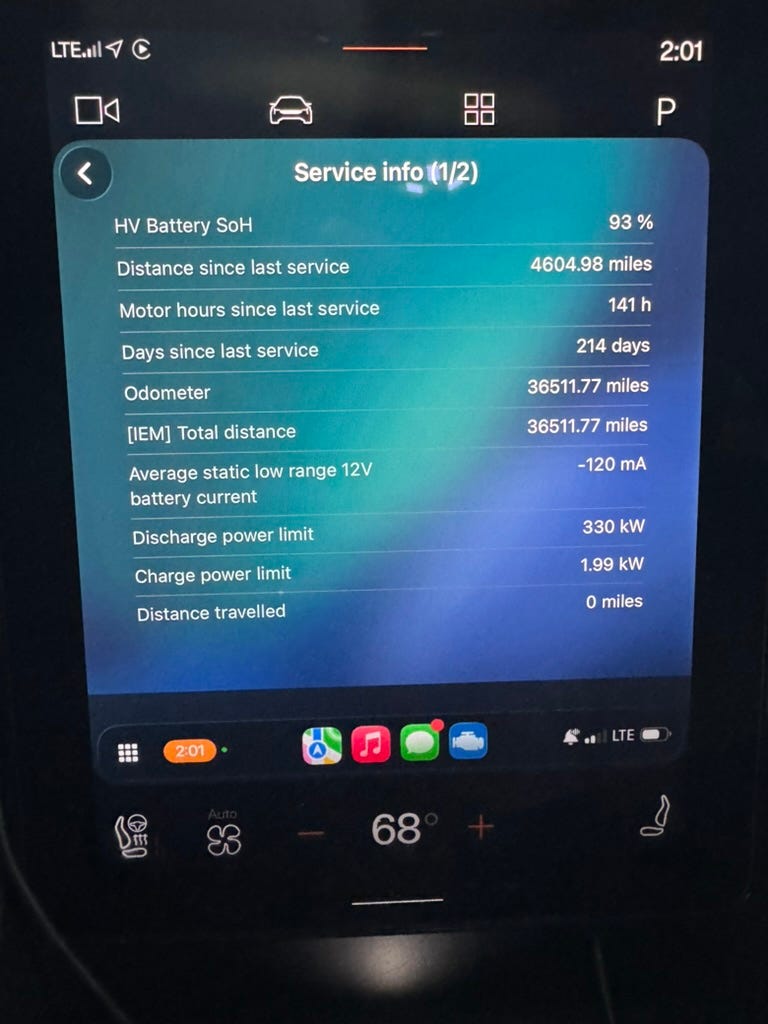
For my 2021 Polestar 2, that has been in use for about 4.5 years and has about 36000 miles, the battery SoH showed 93%.
Doing a little math on that:
4.5 years * 2% degradation per year = 0.09 (9%) degradation
4.5 * 1% = 0.045 (4.5%) degradation
Based on the 1-2% degredation per year estimates, my Polestar 2 would be expected to fall between 95.5% and 91%. At 93%, it is comfortably in that range.
Before doing this calibration, my battery SoH was reported as 92.47%. That’s not a big difference compared to the calibrated result, but as they say “results vary”. I’ll probably try doing this again in the summer when the temps are warmer to see if anything changes.
How to Read Your Battery State of Health
With that preamble out of the way, here’s how you can read the battery SoH yourself.
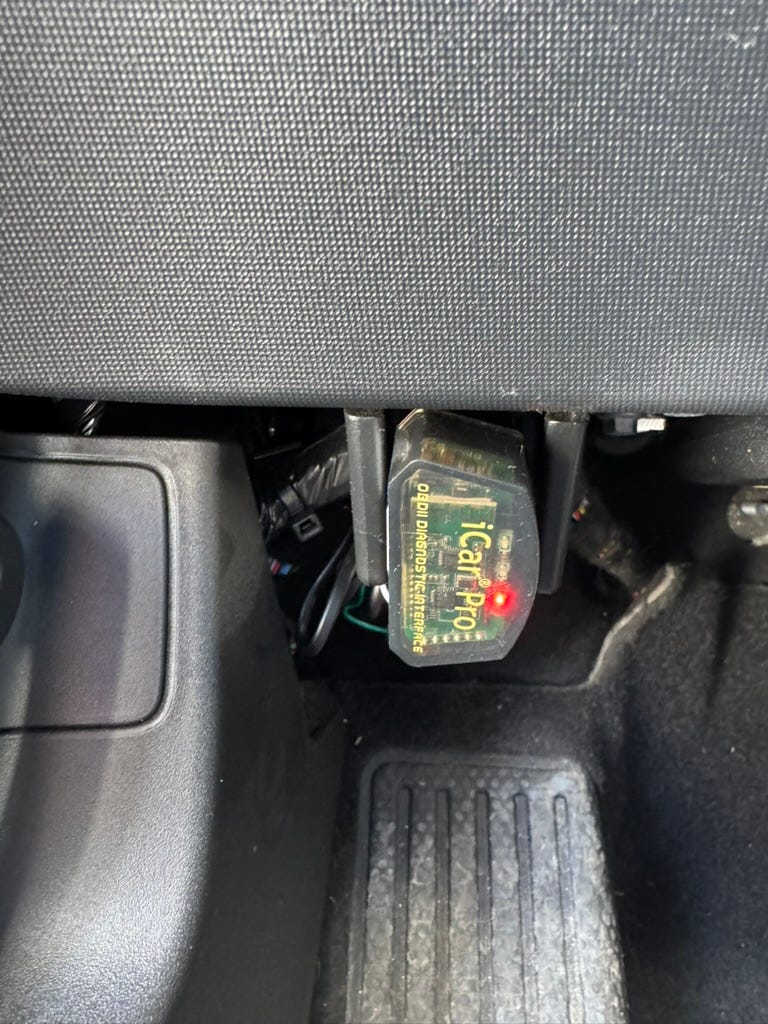
It is done using the OBD-II port that is on the left side of the driver footwell. You’ll need to purchase an OBD-II reader and there are a lot to choose from. I’m using the Vgate iCar Pro adapter, which is a tiny OBD-II reader that plugs into the port and transmits data to a phone app using Bluetooth LE. I bought mine for about $30 on Amazon.
Exact model: Vgate iCar Pro Bluetooth 4.0 (BLE) OBD2 Fault Code Reader OBDII Code Scanner Car Check Engine Light for iOS/Android
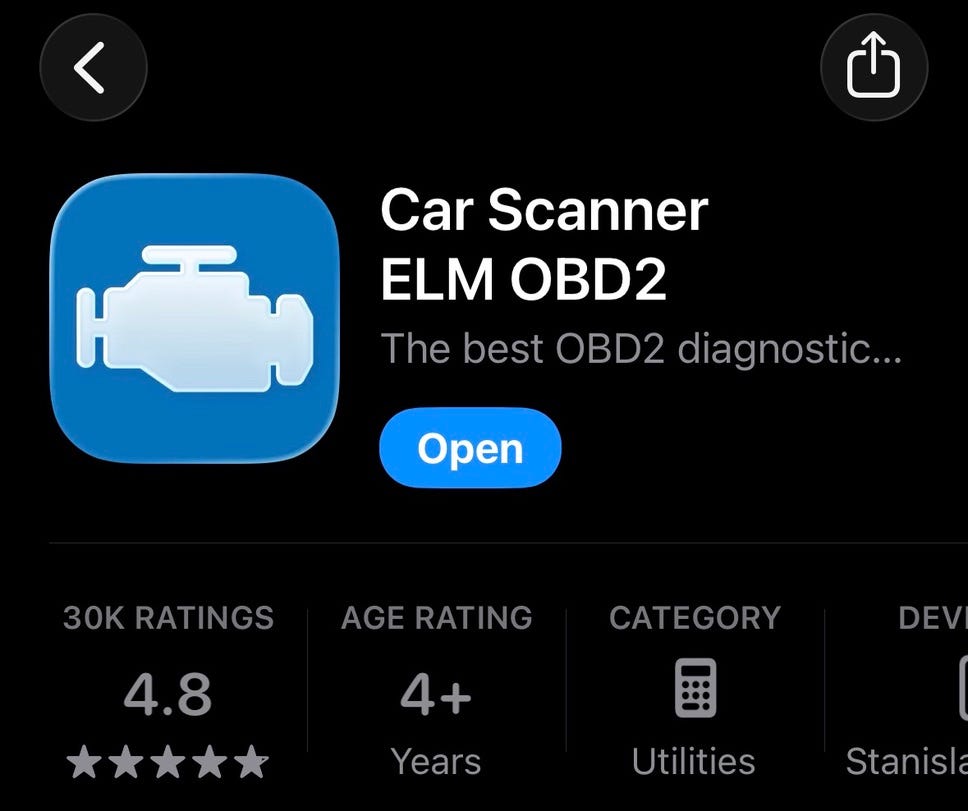
For the phone app, I am using Car scanner ELM OBD2 on my iPhone. The free version also works, although it has ads and won’t show as much data when used with CarPlay. The paid version is only $8, so totally worth it.
The device can connect to the app using Wi-Fi, Bluetooth MFi and Bluetooth LE, but I’ve only been able to get it to work using Bluetooth LE.
After you connect you’ll want to go to settings and choose the Connection profile. Polestar is in the list, and once selected is shows as “Polestar XC40 EV/C40 EV E400V2/E400V5/E400V6 2020- / Polestar 2”.
For things to properly connect, you will also need to be sitting in the driver seat and have the car in Drive. It won’t be able to read data with the car in Park. This also means that you can’t have your Polestar plugged in.
Once connected you can use the app to view all kinds of settings. The app does not have the nicest UI, but it is functional.
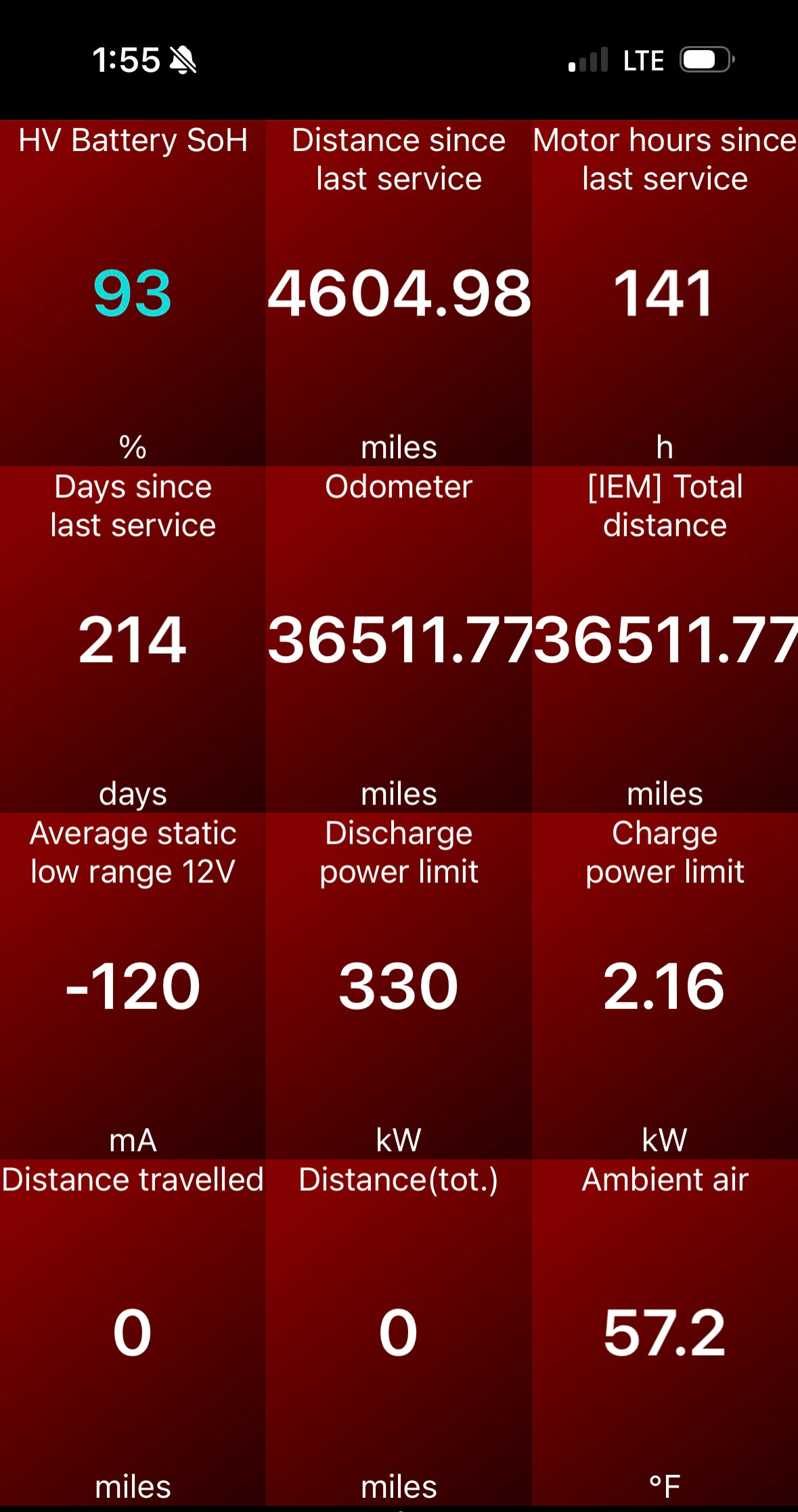
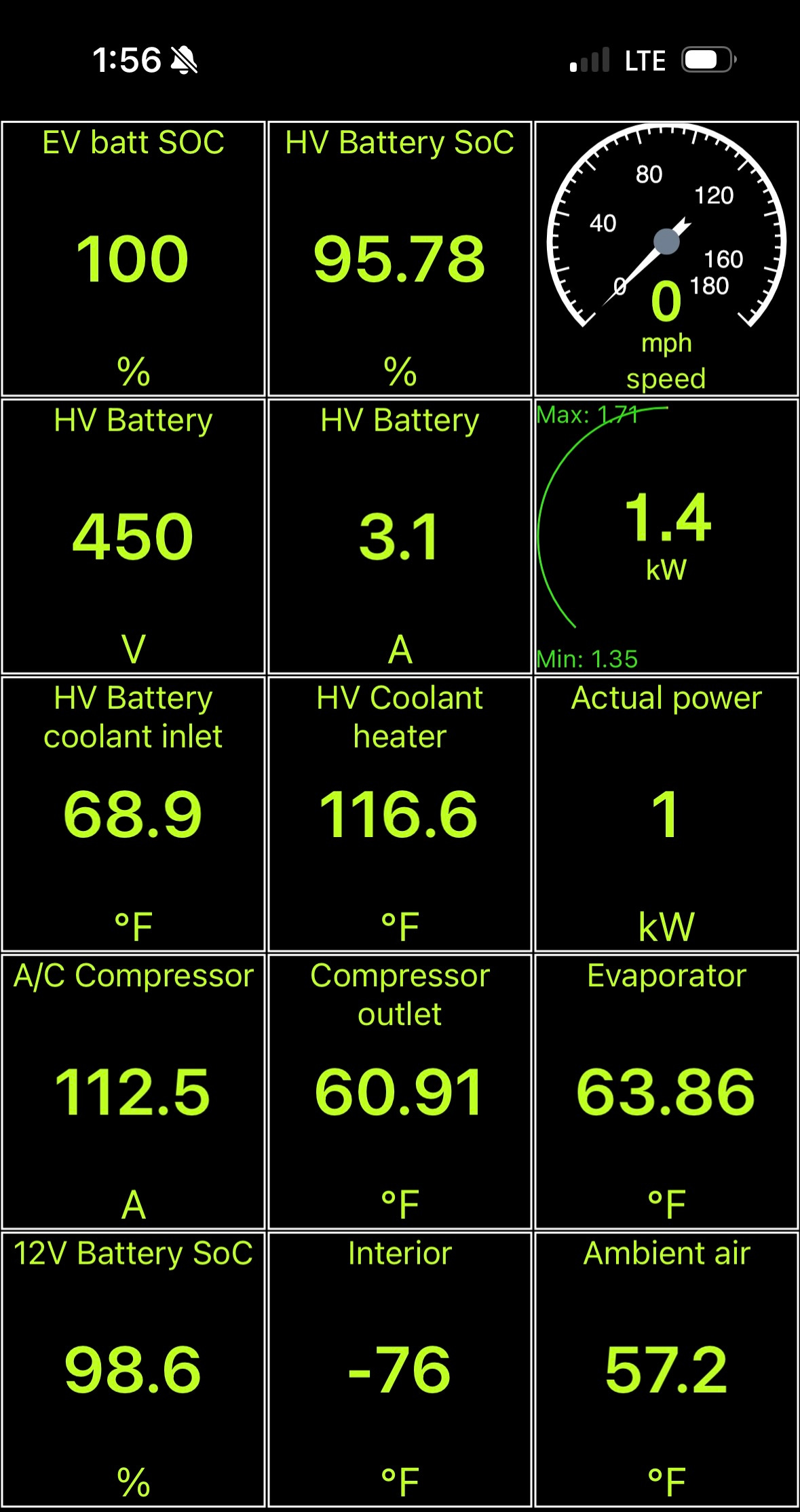
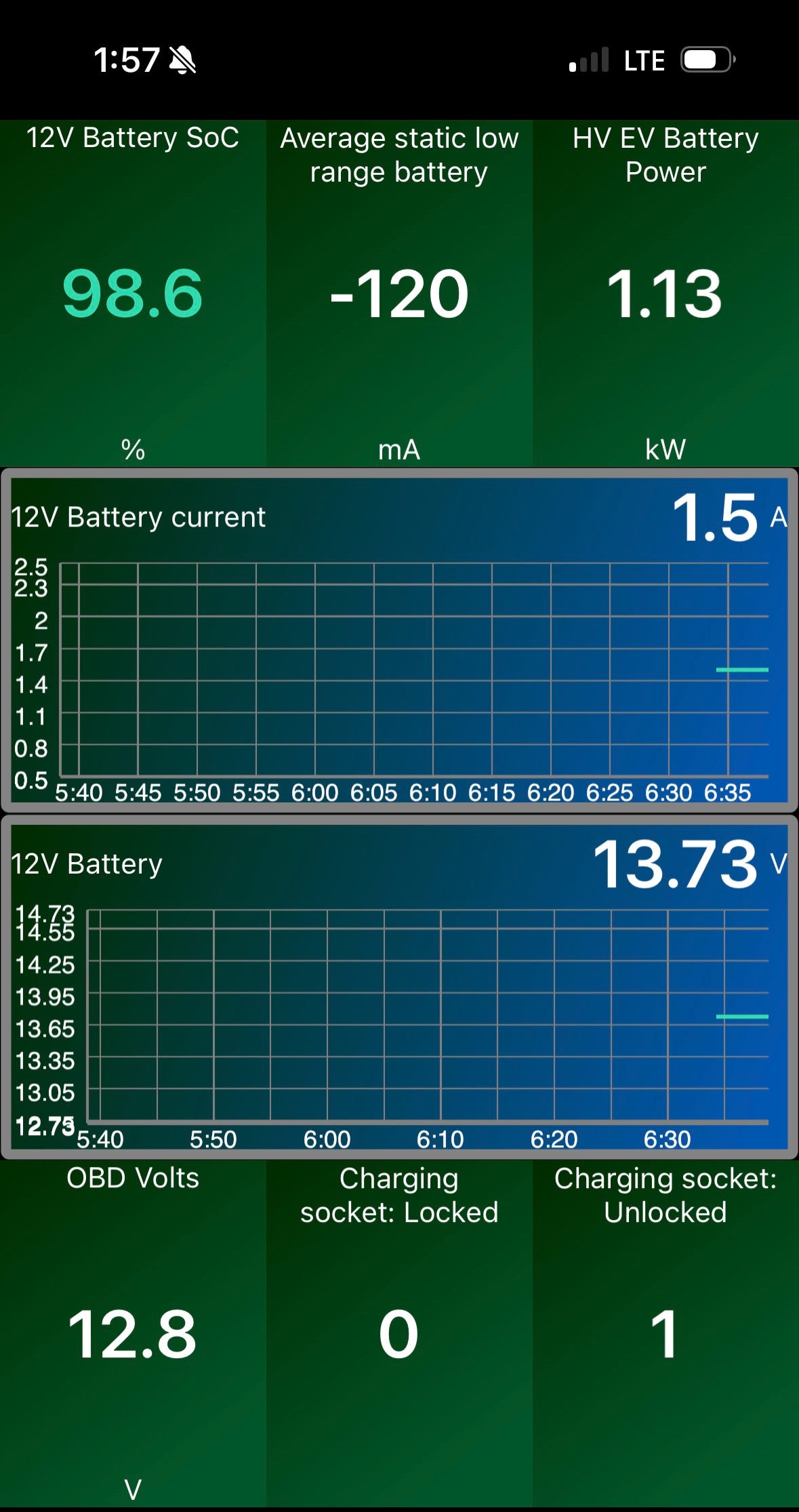
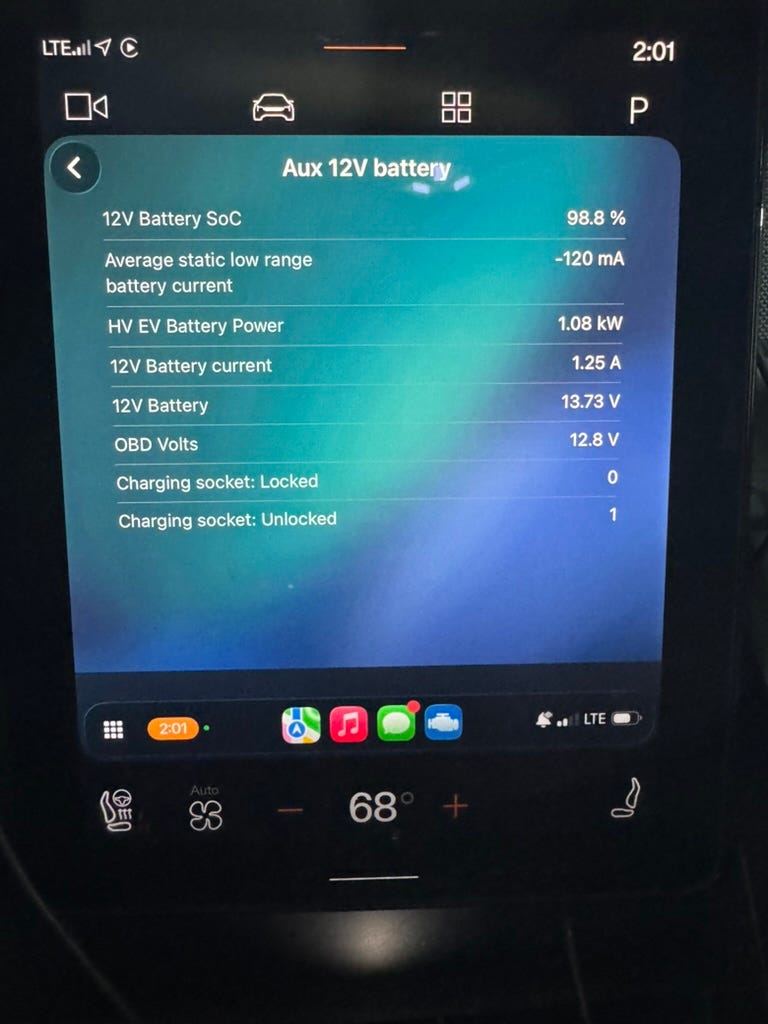
However, one really nice thing about the app is that is works with Apple CarPlay. The UI in CarPlay is larger and easier to read. Plus you can drive around with it connected to the OBD-II reader to see stats as you drive.
There’s even a screen that can show you some launch times to common speeds, which is fun.
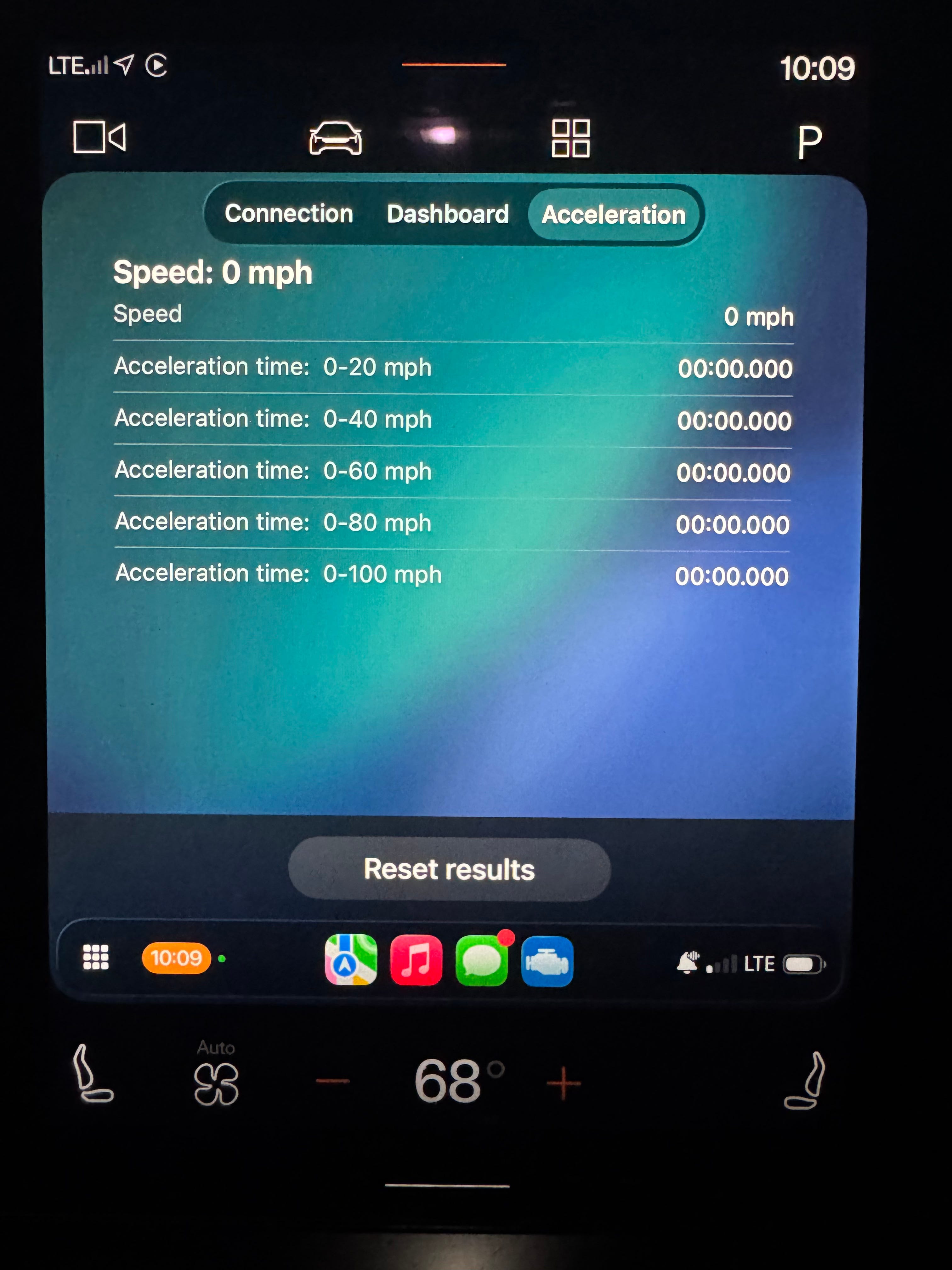
(Only do this in safe conditions, of course.)
What is your Polestar 2 battery SoH?